

Worried a screen can’t hold a real wedding? Here’s how to plan a virtual wedding: pick a platform, check your license rules, rehearse the tech, and send clear login steps. It can feel just as personal.
For the wider picture, see our guide to online wedding planning, which this page builds on.
| Item | Value |
|---|---|
| Zoom paid plan (as quoted by one wedding site) | $14.99 per month for 100 attendees |
| Longest meeting on that Zoom plan | Up to 24 hours |
| LoveCast premium upgrade | $150 |
| LoveStream premium packages | From $350 |
| Facebook Live recording limit with Be.live | 90 minutes |
| When to open the guest “Zoom room” | An hour or so before the ceremony |
These figures come from The Budget Savvy Bride’s planning guide and AVIXA’s virtual wedding article. Prices and platform limits can change, so check the source before you rely on them.
What a virtual wedding is and who it suits
A virtual wedding is a ceremony that takes place online, where the couple exchange vows and celebrate over video, according to Courtly. Some couples have a few guests beside them, and others stream from home with just an officiant.
Offbeat Wed points to three situations where the format shines:
- You are an introvert and want a quieter day.
- Your friends and family live abroad.
- Your budget is small but your community is large.
The practical upsides are real. Online weddings can be less costly than traditional marriages, and they let you invite more people than a room could hold. The main scheduling catch is that guests may join from different time zones.
Check the legal side first
The marriage license is what makes the marriage legal, not the video call. Offbeat Wed puts it plainly: the key piece lies in the marriage license, and the rest varies by state.
The biggest variable is your officiant. A Practical Wedding warned that your marriage may not be legal if the officiant isn’t physically in the same space as the couple. Offbeat Wed adds that some states require the officiant to sign the license in person, while others allow it to be mailed back and forth.
Rules also moved quickly during the pandemic, so treat these as examples, not current law:
- As of May 1, 2020, A Practical Wedding reported that New York and California had executive orders allowing fully legal weddings and license acquisition via virtual services.
- Offbeat Wed, citing American Marriage Ministries, said Illinois couples could apply for a license and marry by videoconference, as long as the couple and officiant interacted live on the call.
- In the same roundup, Florida did not accept an officiant who was not on site with the couple, and virtual weddings were not legally binding in the UK at the time.
Because the rules differ by place and change, confirm yours with your county clerk before you book anything. If your area does not allow it, a micro wedding works: the officiant is present on site and everyone else joins on Zoom.
There is also a fallback. A Practical Wedding’s advice was to get married now and make it legal later. AVIXA adds that even after a virtual ceremony, you still need to register the marriage with your state or local township to gain the tax, healthcare, and legal benefits.
How to plan a virtual wedding step by step
Courtly’s outline treats a virtual ceremony much like a traditional one, with the tech added. Here is the order that works:
- Settle the legal pieces. Confirm your license, officiant and any witnesses before you fix a date.
- Choose a platform. Courtly lists Zoom, Google Meet and Skype as popular options.
- Send invitations. Include the link and joining instructions.
- Plan the ceremony. Choose a location, decorations, attire, music and readings.
- Set up and rehearse. Test the platform, audio and video before the day.
- Host the wedding. Everyone joins at the set time, and you exchange vows and rings.
Your invitation does more work than usual, because it is also your tech support. You can send digital wedding invitations that carry the link, and A Practical Wedding’s tip is to give overly detailed instructions for how to log in and join the call.
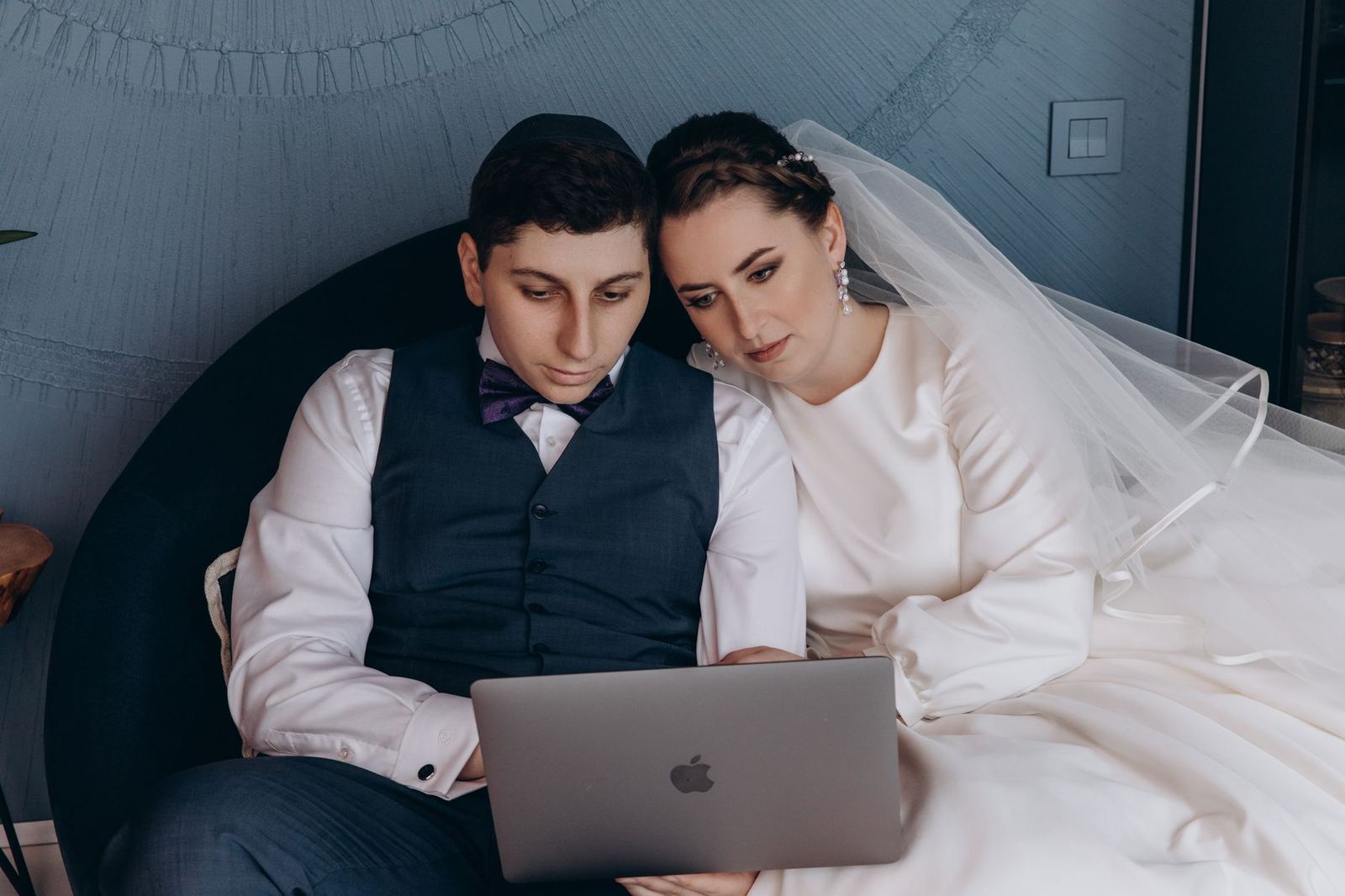
Picking a platform and what it costs
The right streaming platform depends on guest numbers and how interactive you want the day. Here Comes the Guide suggests Zoom, Facebook or Instagram Live, or YouTube Live. The Budget Savvy Bride gives these examples:
- Zoom: $14.99 per month hosts 100 attendees, with meetings of up to 24 hours, enough for a ceremony and reception.
- Facebook Live: free, and works well with a private group and event. Recordings made with the Be.live add-on are limited to 90 minutes.
- LoveCast: a free option, or an upgrade for $150 with added features.
- LoveStream: premium packages starting at $350, and guests watch in a browser with no app downloads.
Zoom suits a lively crowd who want to see each other. A broadcast-style option suits a bigger audience that mostly watches. Prices are as the guide listed them, so check each provider.
If you hire a streaming service or tech helper, use our list of questions to ask wedding vendors before you pay a deposit.
Tech setup and rehearsal
Most virtual wedding stress is technical, and it is avoidable. Courtly notes that poor video and audio quality, dropped calls and internet outages can disrupt the ceremony.
Use this short checklist:
- Pick a clear spot for the camera so guests can see you and your partner without obstructions.
- Test the Wi-Fi where you will stand. AVIXA suggests bringing in a separate hotspot if the bandwidth is weak.
- Check lighting and sound, and look for feedback.
- Name a tech lead. Here Comes the Guide suggests putting a trusted friend, family member or wedding vendor in charge of the wedding day tech.
- Name an emcee to run activities for remote guests.
AVIXA recommends enlisting at least two people for the livestream, a technology coordinator and an emcee. Courtly adds that a virtual wedding coordinator can help with setup and troubleshooting.
Then run a full rehearsal. Offbeat Wed describes Wedfuly, a virtual wedding concierge service, building in two planning meetings, one AV call and a virtual rehearsal the night beforehand. You can copy that structure for free. On the day, ask guests to mute their audio until after your vows and first kiss.
Make the day feel like a wedding
A video call becomes a wedding through small rituals. Dress the way you would for a room full of people, and frame the camera shot with plants, natural light and music.
Open the room early. AVIXA recommends opening the virtual hangout an hour or so before your ceremony so guests can chat. Your emcee can run icebreakers or breakout rooms during that window.
Afterward, keep the party going. Here Comes the Guide suggests a virtual reception with a first dance, a homemade cake cutting and an open mic for toasts. Wedfuly has also seen magic shows, trivia and DIY bartending during intermission.
You can still plan a bigger event later. Here Comes the Guide notes that even with a digital ceremony today, you can still have your dream wedding later.
Frequently asked questions
Is a Zoom wedding legally binding?
Show answer
It depends on where you marry. The marriage license is the key piece, and states differ on whether the officiant must be physically present. Check with your county clerk before relying on a virtual officiant.
Can I run a virtual wedding myself?
Show answer
Yes, if you have a reliable connection and a helper. Here Comes the Guide suggests handing the day-of tech to a trusted friend or family member. If you want more support, a coordinator can handle setup and troubleshooting.
When should guests log on?
Show answer
AVIXA recommends opening the virtual room an hour or so before the ceremony. That gives guests time to chat and lets your emcee run icebreakers.
Can I still have a bigger celebration later?
Show answer
Yes. Many couples stream the ceremony first and plan a vow renewal, reception or party for a future date.